Bring in your room
Take a fresh photograph or choose one from your photo library.
A calmer way to imagine change
Photograph your space and explore thoughtful new directions for the walls, floors, and furniture—without committing to a tin of paint or moving a single chair.
Built for iPhone. The App Store listing is being prepared.

How it works
RoomDecor keeps the process deliberately focused, so you can explore a direction without turning the room into a mood-board collage.
Take a fresh photograph or choose one from your photo library.
Start with walls, floors, or furniture, then choose a material, finish, or style.
Drag between before and after, save the result, or try another considered direction.
Made for real decisions
Useful choices, a clear comparison, and room to reconsider. Nothing is buried under filters, feeds, or endless setup.
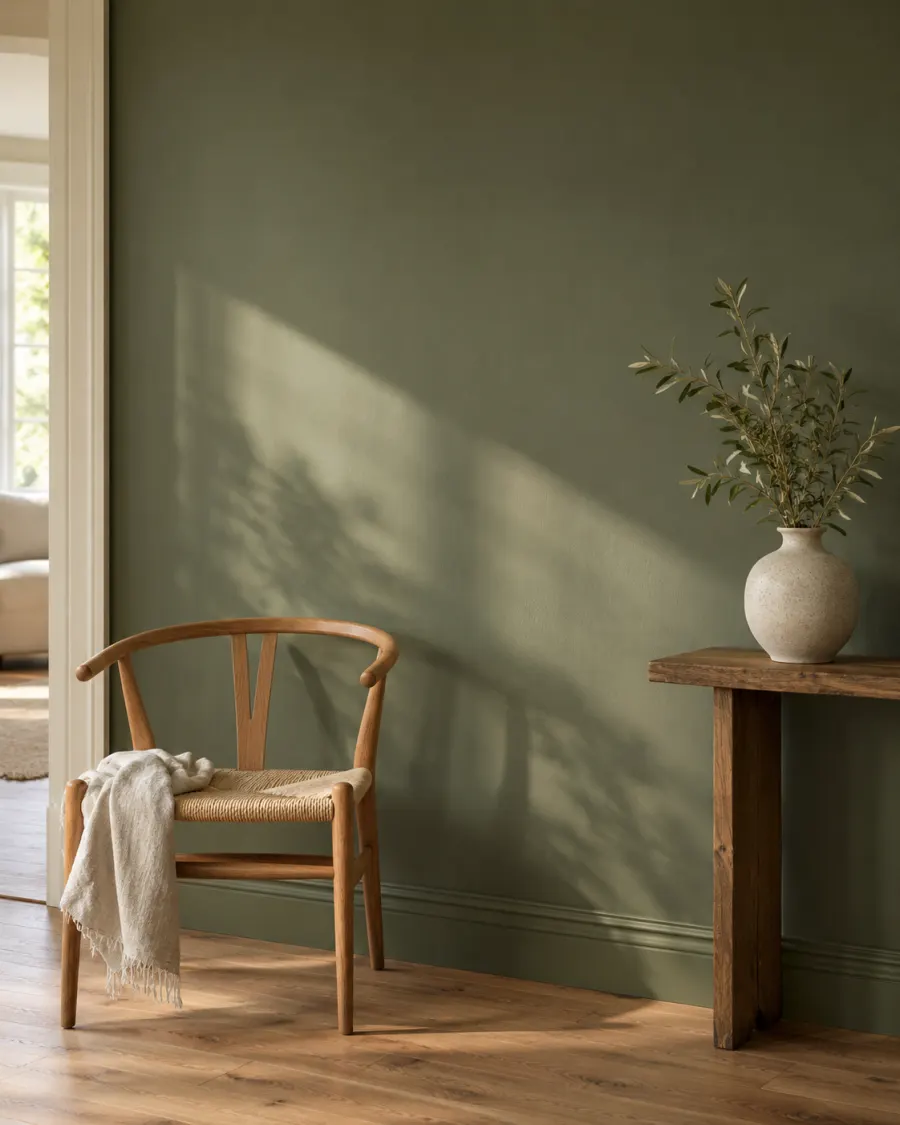
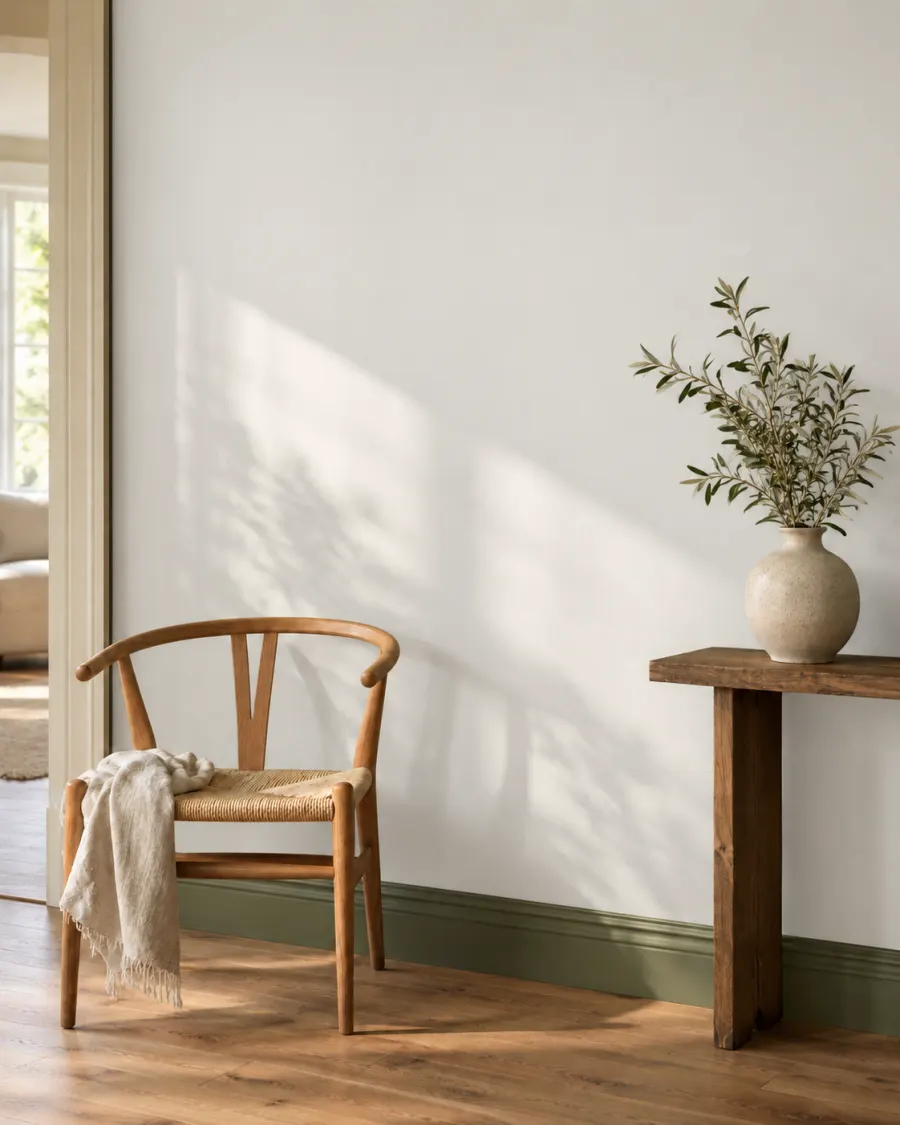
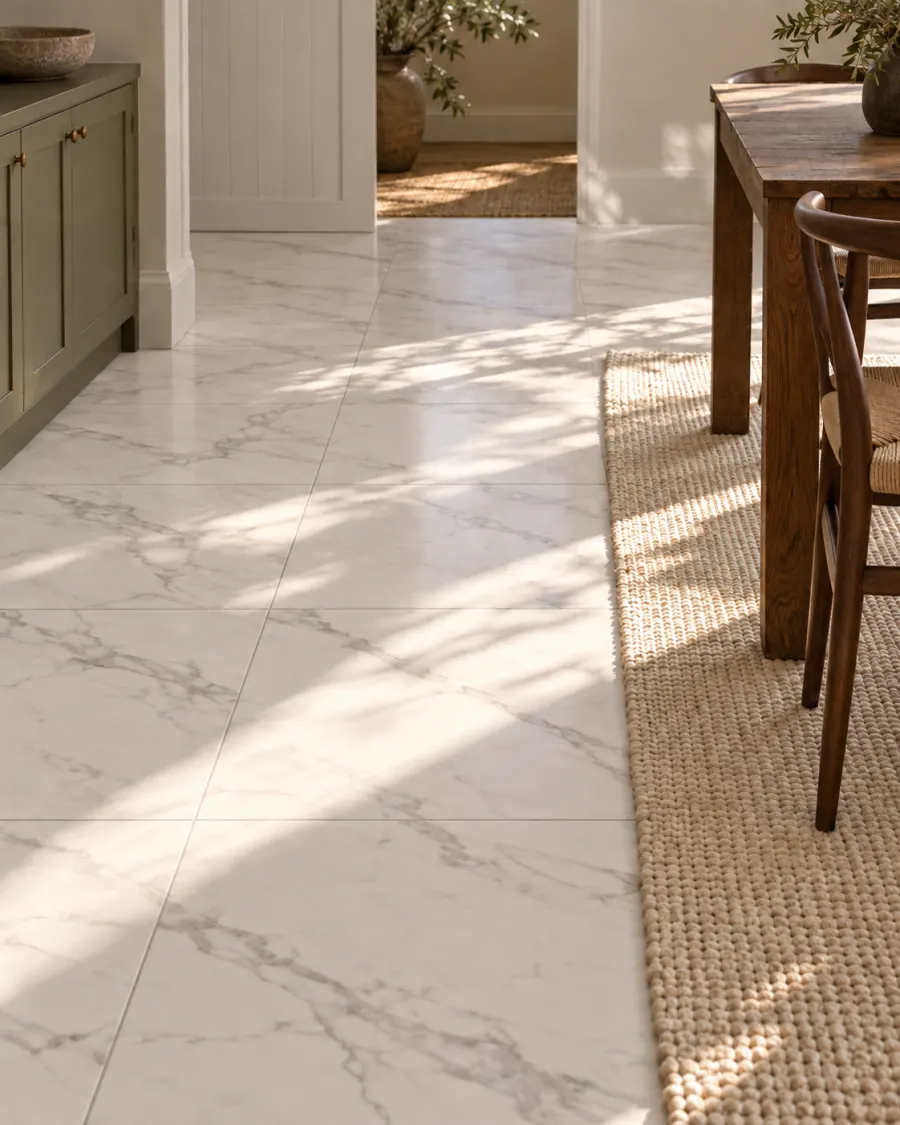
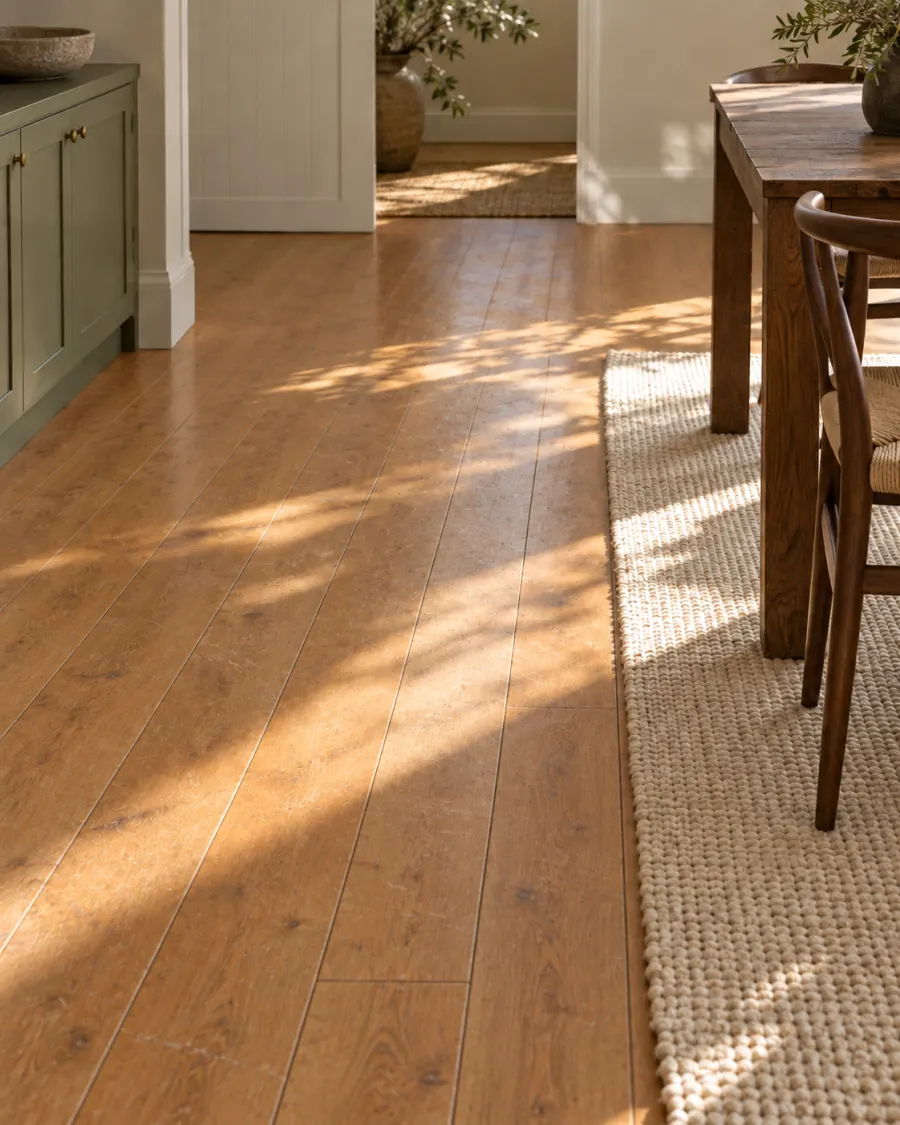
Try quiet wall colors, wood and tile flooring, or a different furniture language—from warm white to organic modern.
A simple draggable reveal keeps the original room close, so the change is easier to judge.
Your render keeps working if you close the app, and finished rooms collect in a private gallery for later comparison.
Tell RoomDecor what should stay—the artwork, the layout, or a favorite piece—then let that constraint guide the edit.
Inside the app
Every screen has one job: choose the area, set the direction, then judge the result.


Room notes
Practical, unhurried guides for choosing colors, materials, and directions that suit the room you already have.
A simple way to test undertones, light, and contrast while keeping the existing space in view.
Compare wood tone, pattern, light, and upkeep before deciding what belongs underfoot.
Coming to the App Store
RoomDecor is a subscription. An active plan is required to create a redesign, and each plan includes a set number of redesigns per week. Pricing will be shown on the App Store listing.
App Store · Coming soon